How to Subscribe to ChatGPT Plus with an Apple Gift Card
A practical iPhone guide to buying a region-matched gift card, redeeming it to Apple Account balance, subscribing in the ChatGPT app, and handling renewals, cancellation, and refunds.
This guide applies only where both ChatGPT and Apple App Store subscriptions are officially available. An Apple Gift Card is prepaid value for an Apple Account, not a way around regional availability. OpenAI warns that access from unsupported countries or territories can put an account at risk, so this guide does not use region switching, invented addresses, or other workarounds.
The supported path is straightforward: buy an Apple Gift Card for the same country or region as the Apple Account storefront, redeem it to Apple Account balance, and start a Plus subscription in the official ChatGPT app for iPhone or iPad. Apple generally permits account balance to pay for subscriptions sold through App Store apps, but some purchases may still require another valid payment method. The Apple confirmation sheet is the final authority.
Before spending anything, verify four identities: your physical region is supported by OpenAI; the gift card market matches the Apple Account storefront; the iPhone is using the Apple Account you intend to keep; and ChatGPT is signed in to the account that should receive Plus. Also check Apple Subscriptions and ChatGPT web billing for an existing plan. A gift card does not prevent a duplicate subscription.
Buy from Apple or a reputable authorized retailer. Physical and digital cards can both work, but the card must be redeemable in the App Store and issued for the same market as the Apple Account. Do not copy a price from a US screenshot when choosing the amount. Check the local offer in your own App Store and leave enough room for any tax shown on Apple’s purchase sheet.
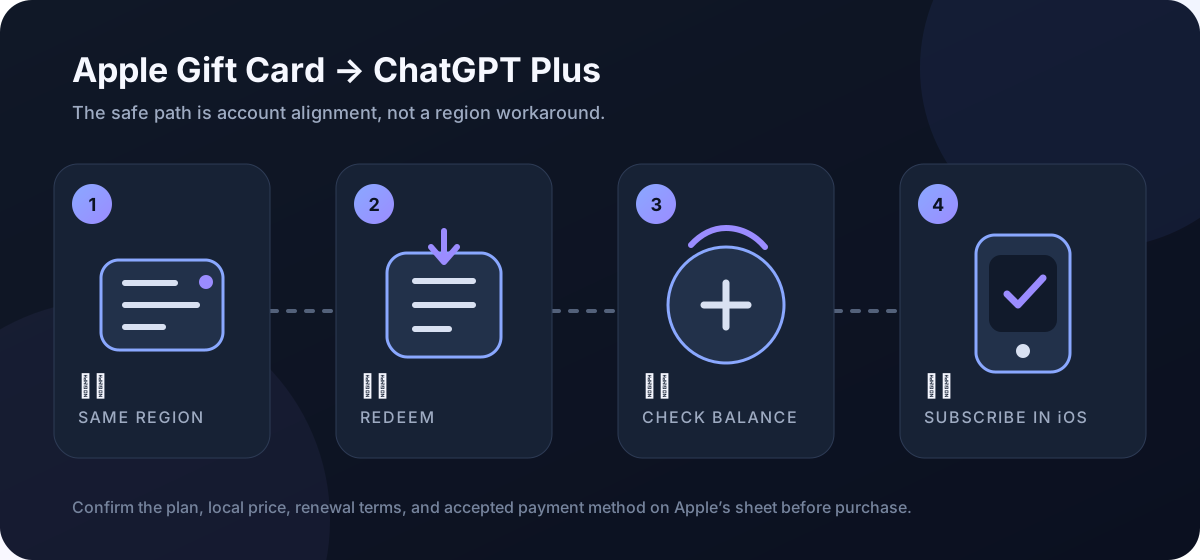
Keep the receipt until redemption is complete. Treat the code like cash: never send the full code to a stranger, and never use an Apple Gift Card to pay for non-Apple goods, a debt, or an alleged account-unlock fee. A suspiciously discounted resale code can be inactive, previously redeemed, or fraudulently sourced.
On iPhone, open the App Store, tap the profile photo or sign-in button, choose Redeem Gift Card or Code, then scan the 16-digit code or enter it manually. A digital card may also include a Redeem Now link. Successful redemption adds funds to the Apple Account currently signed in; it does not add money directly to an OpenAI account.
Check the balance before opening ChatGPT. It appears on the App Store account page and, in supported markets, on the Apple Account card in Wallet. Aim to cover the entire charge shown by Apple. Apple’s policy includes caveats: some purchases can require a credit card on file, and some subscriptions may not use account balance.
Install or open the official ChatGPT app published by OpenAI; the App Store product ID is 6448311069. Then sign in with the exact ChatGPT account you plan to use. Sign in with Apple, Google, Microsoft, and an email-password login can lead to different accounts even when the profile names look similar.
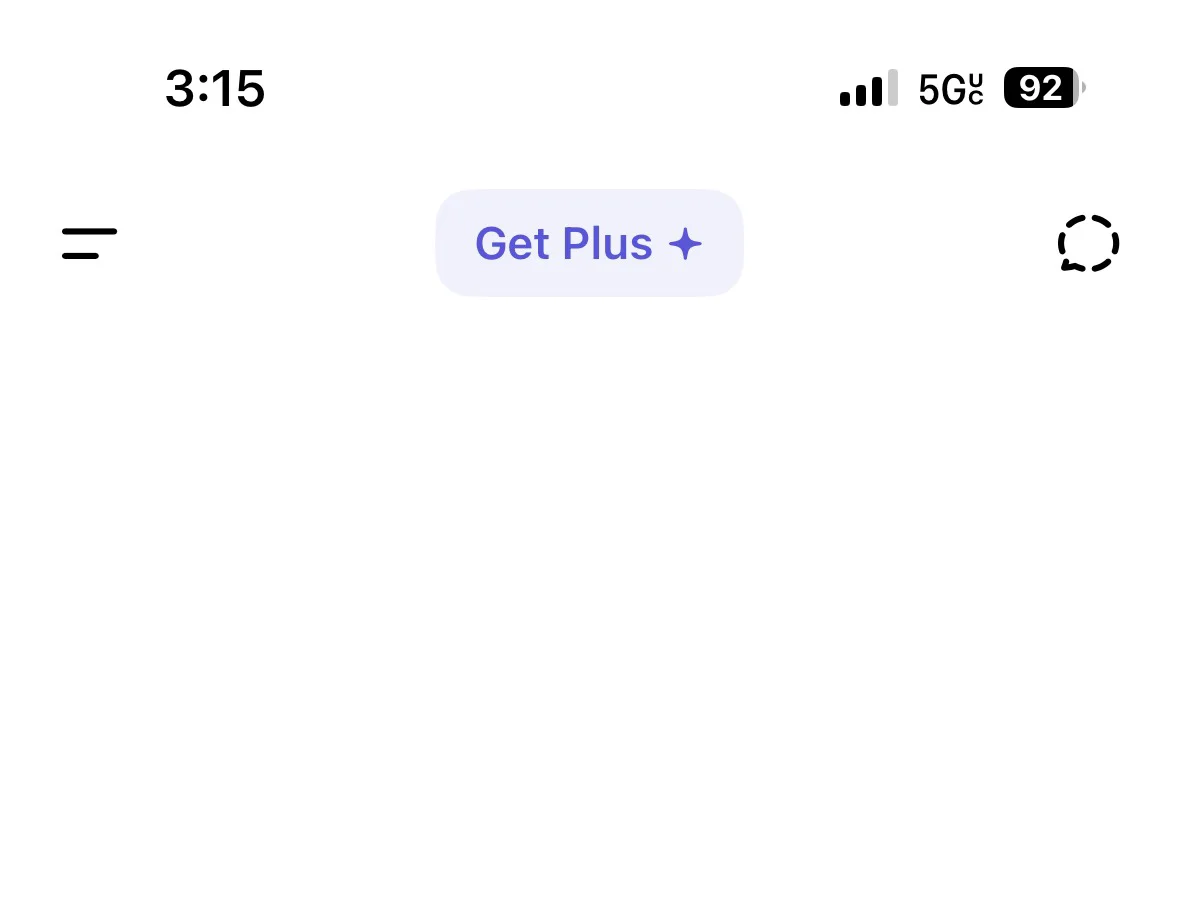
There are two upgrade paths in the iOS app. Tap Get Plus at the top of a conversation, or open the menu, select your profile, go to Settings, and choose Upgrade to ChatGPT Plus. Both routes hand the transaction to Apple’s subscription sheet.
Pause before confirming with Face ID, Touch ID, or the side button. Review the plan, billing period, local currency, renewal terms, total price, and accepted payment method. App Store pricing and taxes vary by storefront. A price shown on a US product page is an example, not a global quote.
Check the ChatGPT account one more time. A mobile subscription is associated with both the Apple Account used to pay and the ChatGPT account active at purchase. OpenAI does not transfer that mobile subscription to another ChatGPT account. The safe order is account first, payment second.
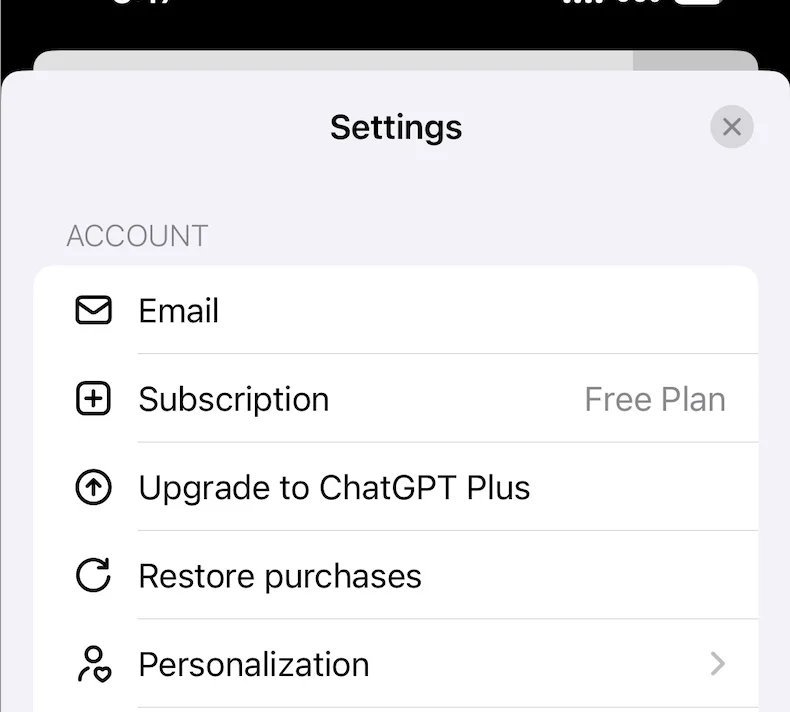
After purchase, verify the plan in ChatGPT Settings. If the app still shows Free, do not buy again. Confirm that the login method matches the original purchase, then use Settings → Account → Restore purchases. Restoration is also the right first step after reinstalling the app or moving to another device.
The gift card does not turn Plus into a one-time purchase. An App Store subscription renews automatically and Apple manages future billing. Keep enough usable balance before renewal if you want to continue, or cancel intentionally. A failed charge is not reliable evidence that the subscription has been canceled; Apple may keep trying to recover it.
To cancel, open iPhone Settings, tap your name, choose Subscriptions, select ChatGPT, and tap Cancel Subscription. Access normally remains until the end of the paid period. Deleting the app, signing out, or deleting the ChatGPT account on the web does not replace cancellation in Apple Subscriptions.
Apple is the billing provider for a subscription purchased in the iOS app. Receipts are available through Apple purchase history and email. Refund requests go through reportaproblem.apple.com by selecting Request a refund and the ChatGPT transaction. Eligibility depends on the purchase and local rules; a submitted request is not a guaranteed approval.
If a code fails, distinguish the error. Invalid may mean the wrong number was entered; already redeemed calls for checking the signed-in Apple Account and its balance; not activated should be taken back to the retailer with the receipt; and redeem in another country or region means the card cannot be used with the current storefront.
A disabled subscribe button with an in-app-purchases-unavailable message can mean Apple is still activating subscriptions for the account; OpenAI says that process may take up to 48 hours. Wait and reopen the app instead of creating more accounts or buying more cards. If the issue persists, separate Apple payment problems from ChatGPT account problems.
When moving from web or Android billing to Apple, cancel on the original platform and wait until it is clearly set not to renew. OpenAI notes that Apple may continue recovering a previously failed renewal. Starting a second plan elsewhere can therefore become two active subscriptions when Apple later succeeds.
Used this way, a gift card is a budgeting and payment tool inside Apple’s subscription system. The four boundaries that matter are supported location, Apple Account storefront, gift card market, and ChatGPT account. Align them first; buying another code rarely fixes a mismatch.
— End —